
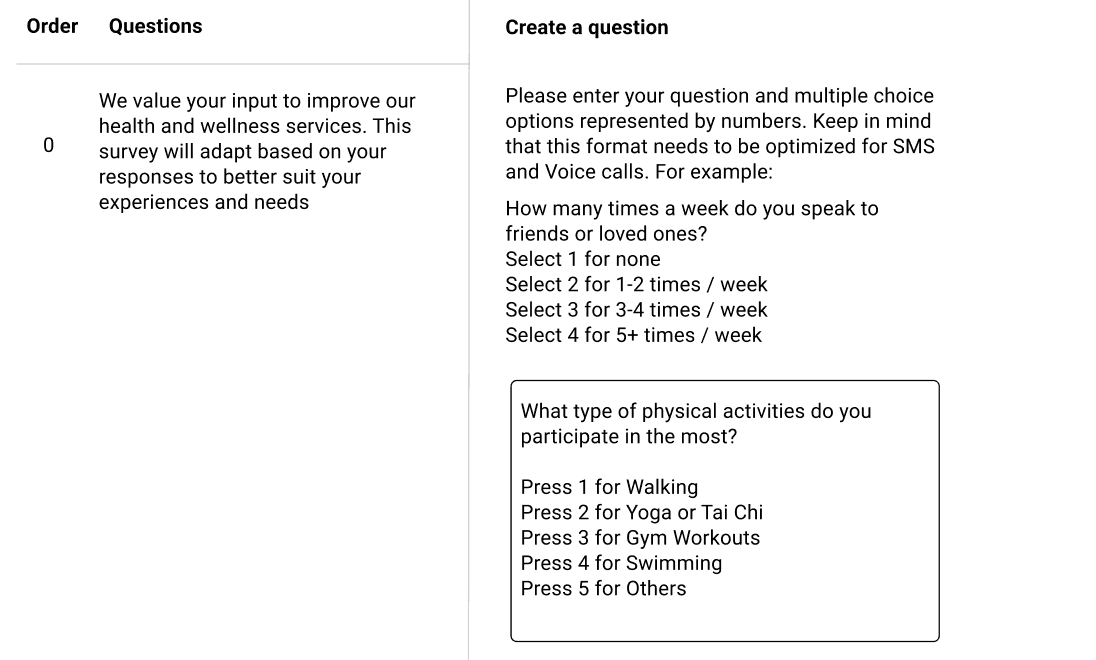
Objective
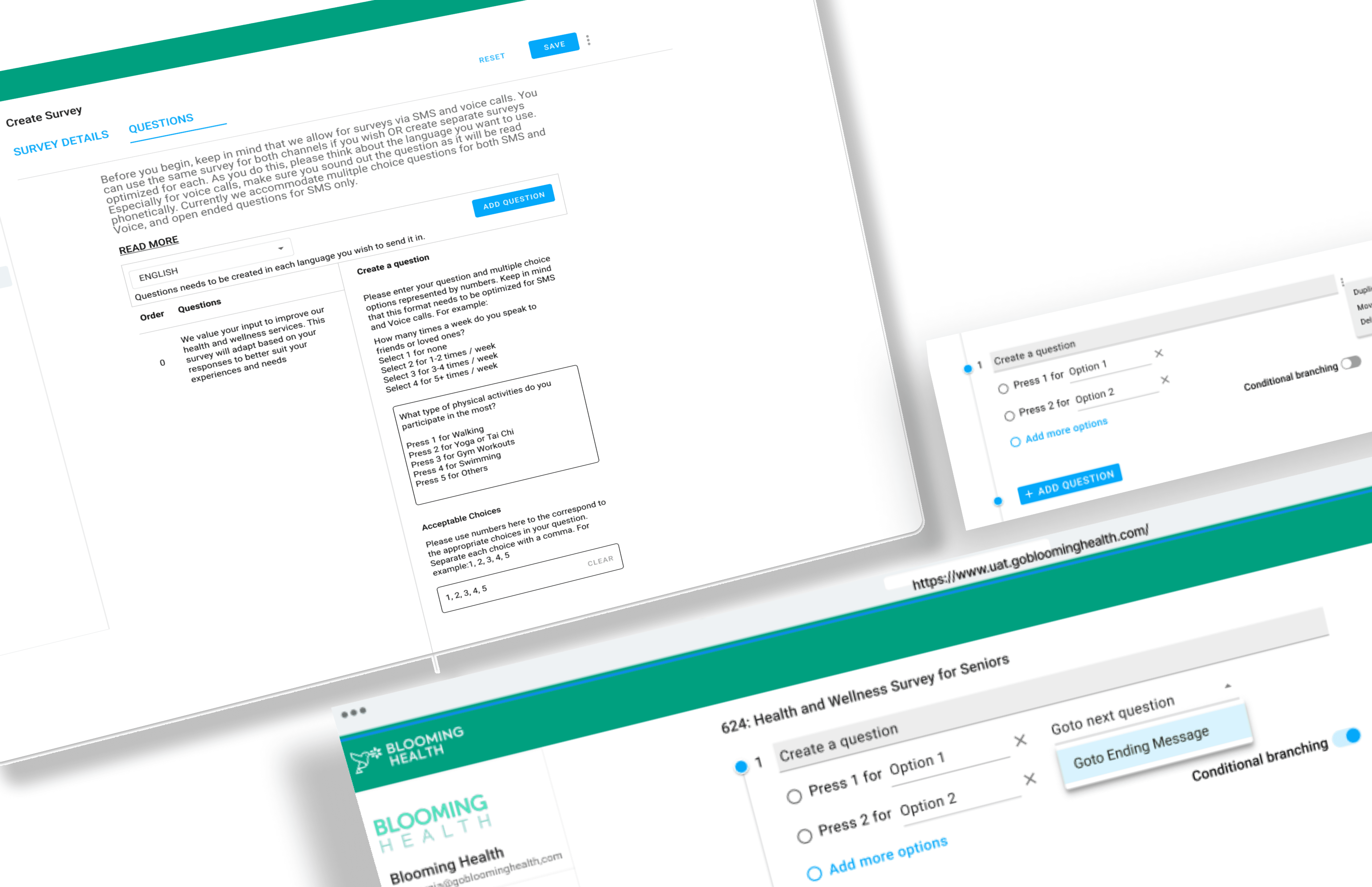
The objective of this project is to audit the existing survey creation functionality using UX principles, conduct usability testing directly on the progressive new design prototype and propose a redesign from the insights gathered.
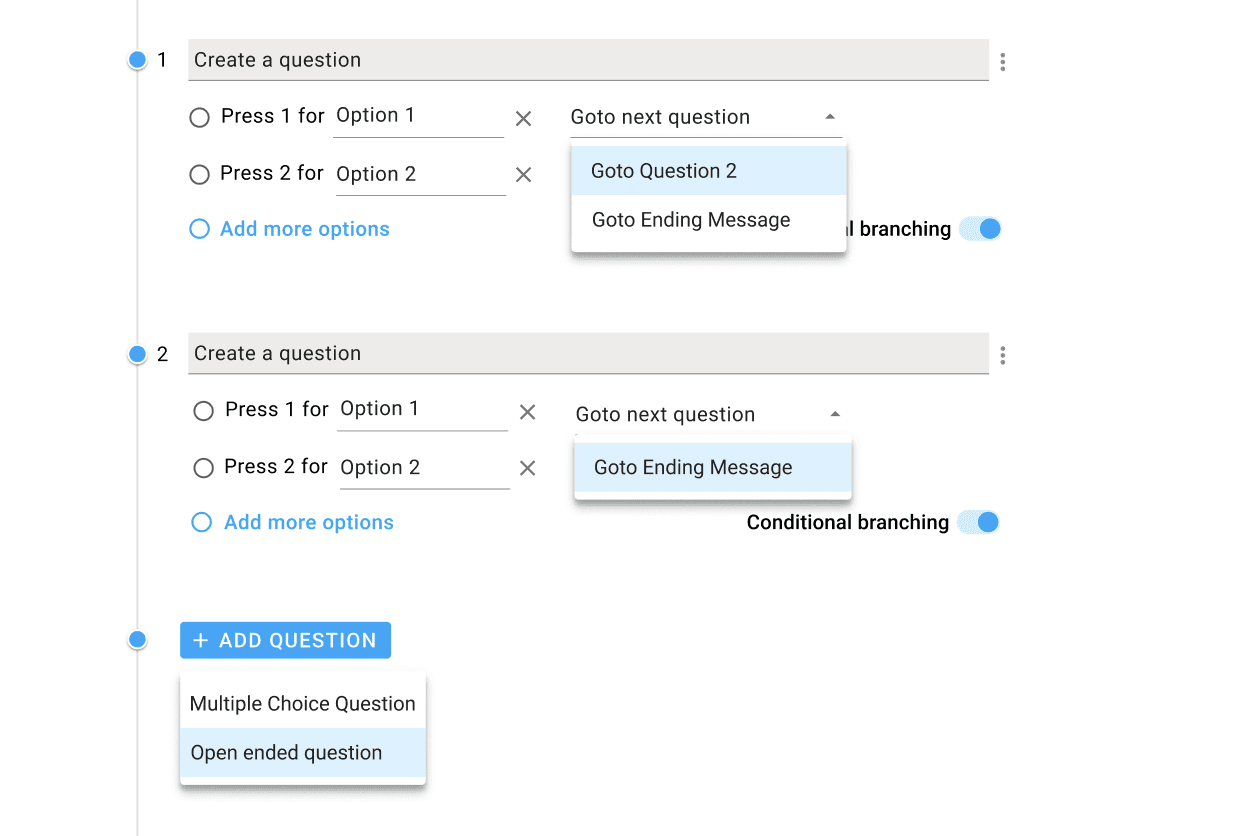
Challenge
Survey as a process is called primary research where data is colleceted directly from a user. The complexity lies in adding more complex workflows/features to the existing design. This adaptation was difficult as the existing design had usability and adaptability issues and not compliant with the UX guidelines.
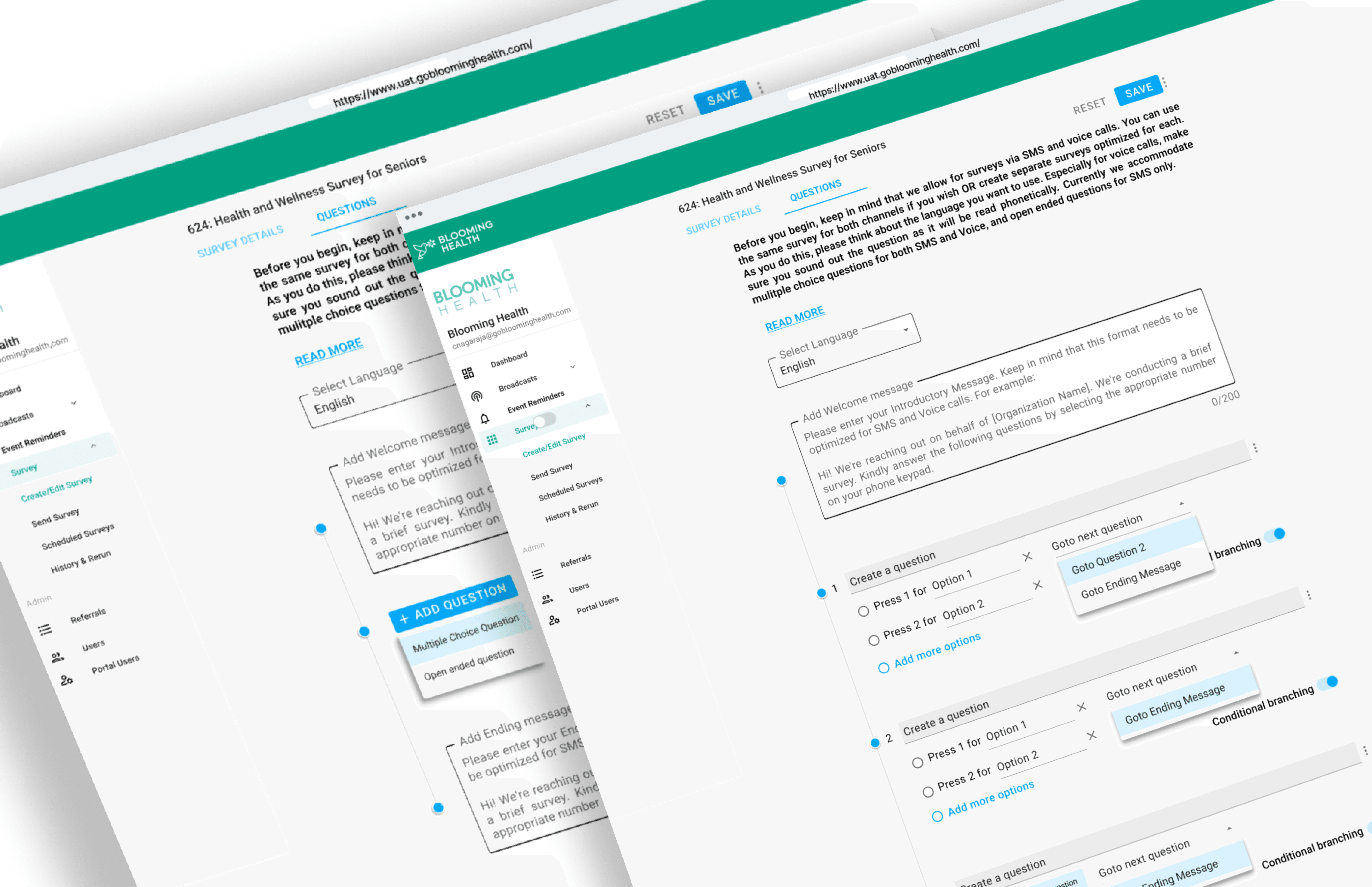
SECTION 2
UX Audit
1
Audit 1
Heuristic Evaluation
Discovery
Conducted a thorough evaluation based on Nielsen's 10 usability heuristics, focusing on aspects such as visibility of system status, user control and freedom, consistency, and error prevention.
2
Audit 2
User Testing
Insights Gathered
Engaged older adults as participants in usability testing sessions to gather insights into their interaction with the current survey creation page. Observed their behaviors, difficulties faced, and collected direct feedback.
3
Audit 3
Competitor Analysis
Analysis
Analyzed survey creation interfaces of competitors in the health tech sector to identify best practices, common trends, and areas of improvement. Major Inspiration: Google Forms
SECTION 3
Made using


Hybrid Prototype
SECTION 4
Usability Testing
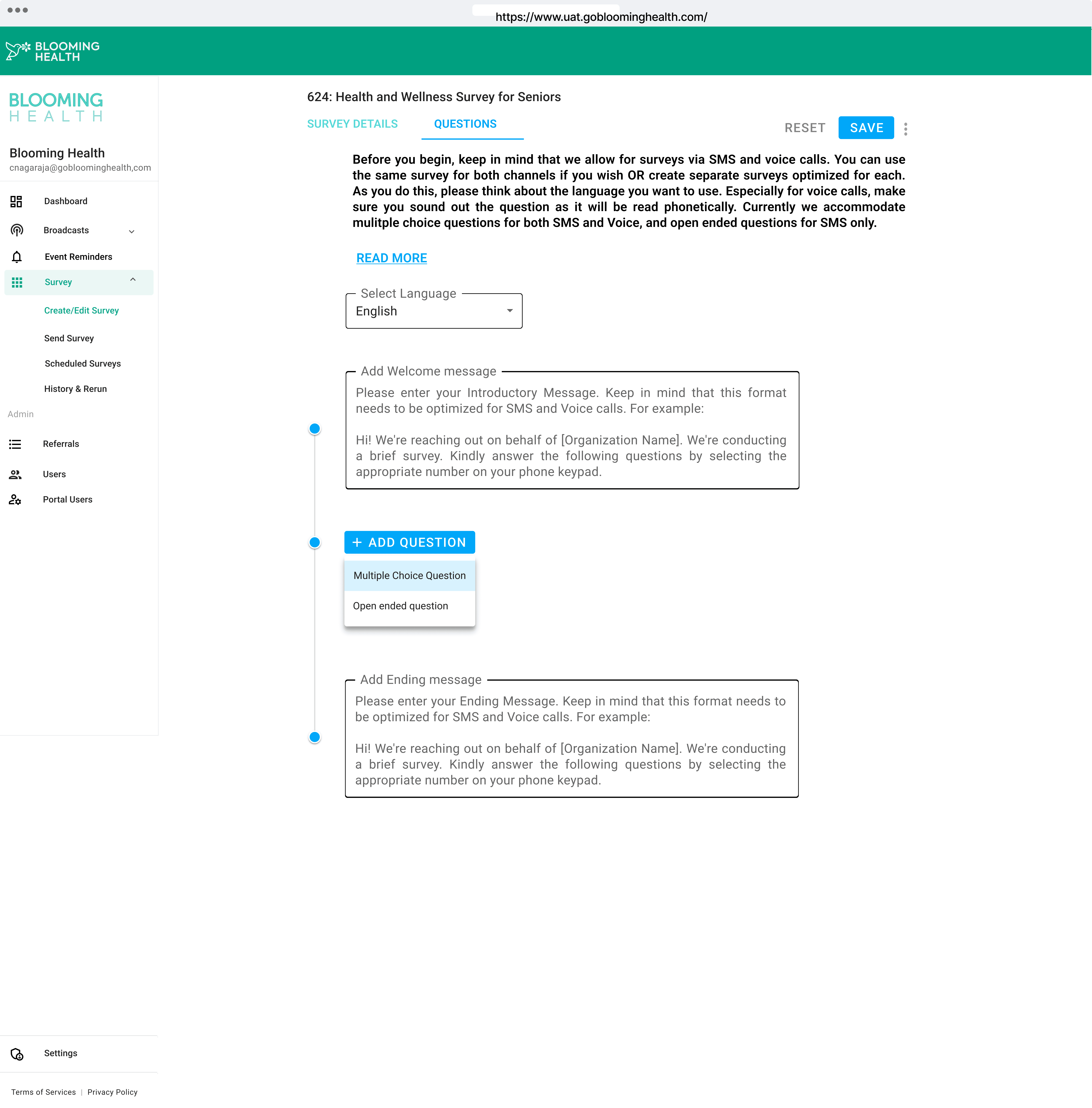
The task was structured in such way that all the issues that came to light in the audit would be re-enforced. We had one scenario with 2 tasks to be performed. The scenarios were designed by our Product team under the guidance of our CTO, Naman Gupta.
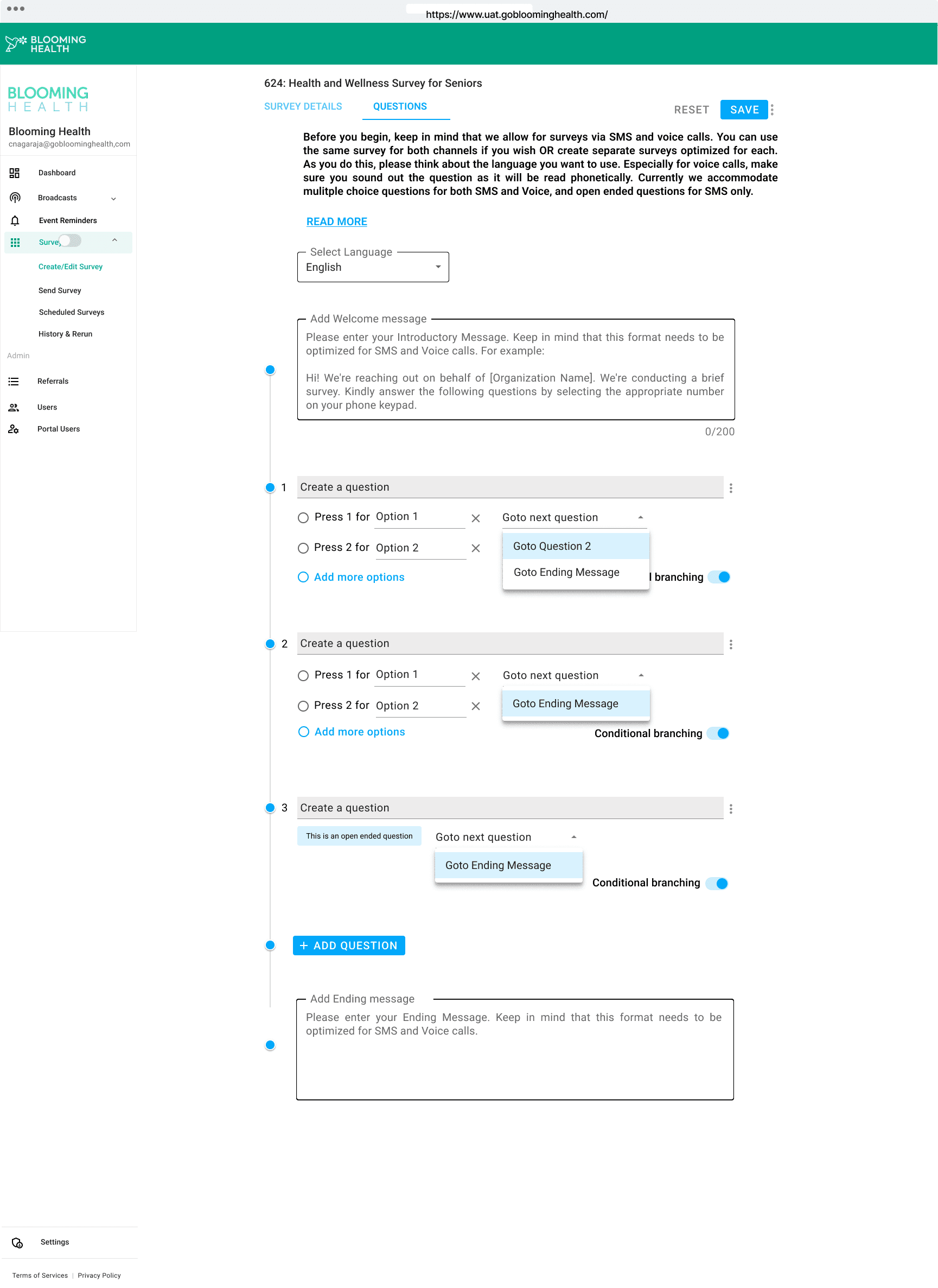
The task 2 was structured in such way to incorporate our new feature called conditional branching into the presented prototype as a radio button option. The branching lets users define custom survey flows based on the Older Adults responses. We also presented testers with Open ended question option.
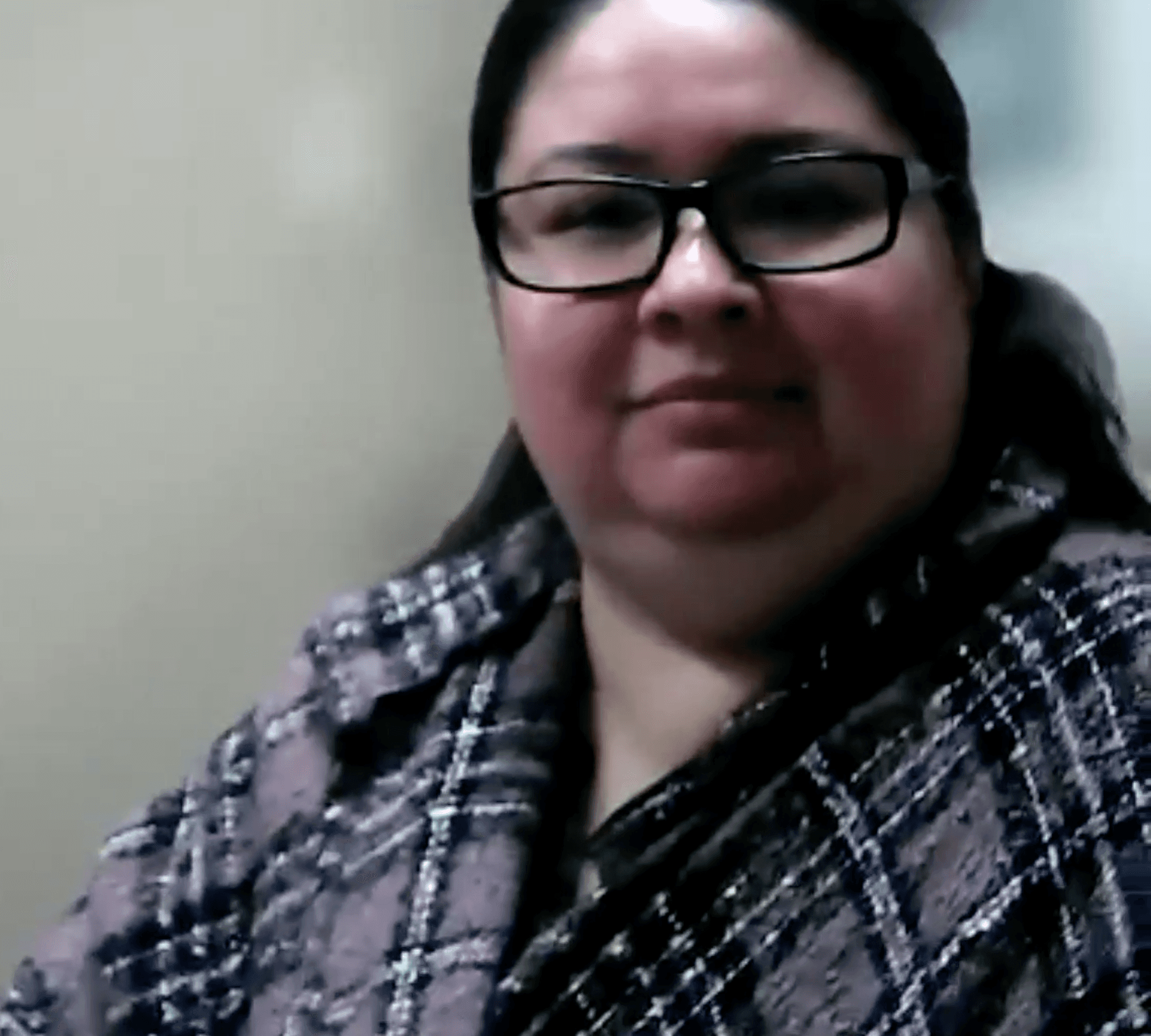
Carey Skelton is a registered dietitian with the Chautauqua County Office of the Aging Services. Chautauqua County Office is one of the other offices which use Blooming Health's services.
Chautauqua
Carey Skelton, Registered dietitian
Carey Skelton
Registered dietitian
Proficiency with technology in general
7 /10
Proficiency with creating surveys
8 /10
Power User
Power User
Victoria Lepore
Yonkers OFA
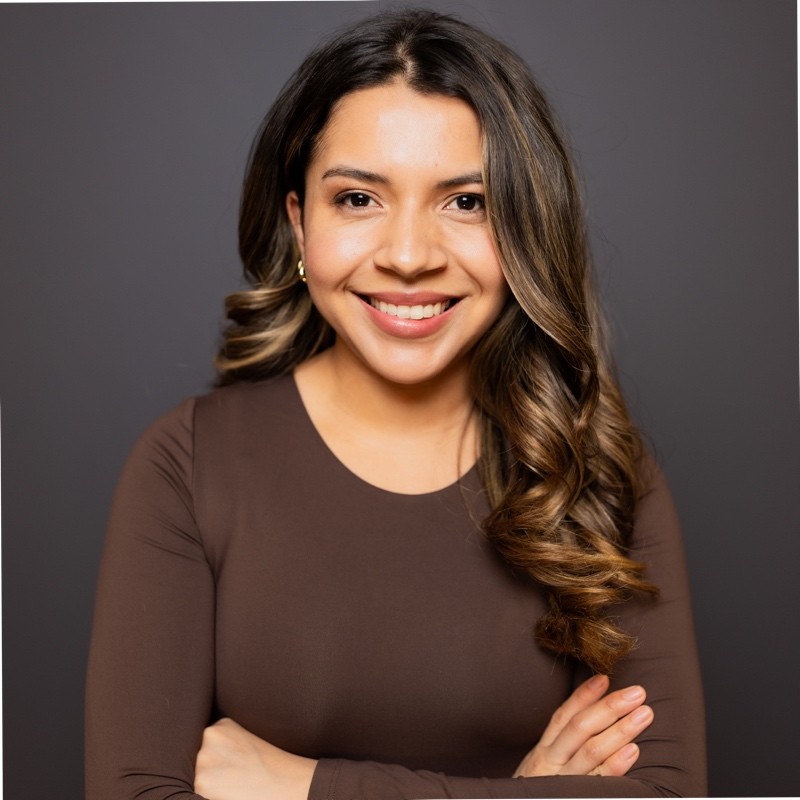
Victoria is a Office Manager | Corporation Counsel at City of Yonkers. She has done her bachelors degree in liberal arts and has been with City of Yonkers over 5 years.
Yonkers OFA
Victoria Lepore, Office Manager
Intermediate User
Proficiency with technology in general
7 /10
Proficiency with creating surveys
6 /10
Beginner User
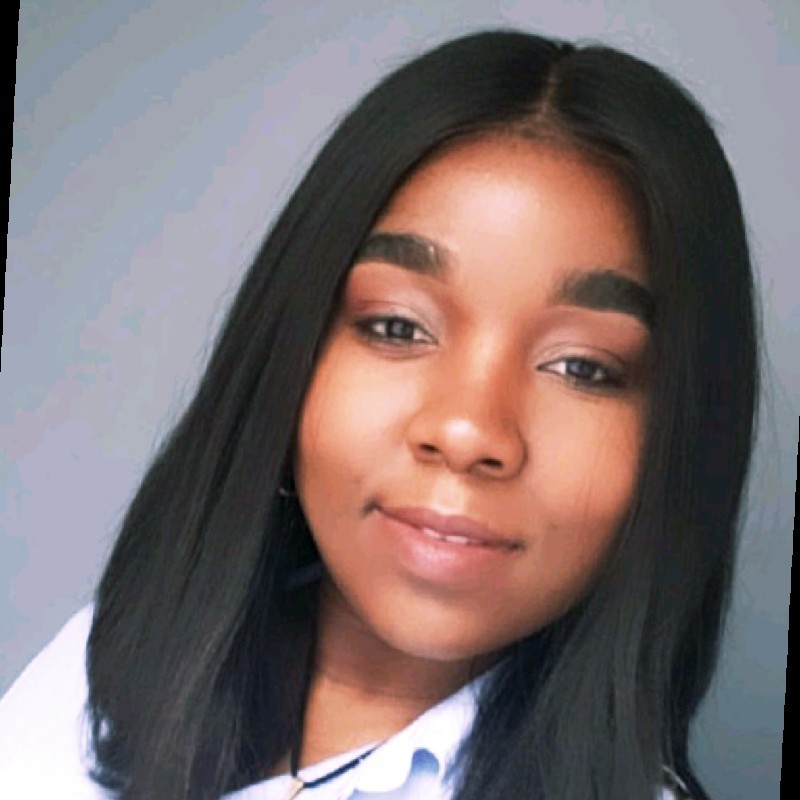
Wendy Campbell, Family Services Supervisor
Merced County
Wendy Campbell is a program manager having 10+ years of experience at Merced County.M erced County is Human Services Agency situated in California and they are one of our major program centres with us.
Proficiency with technology in general
6 /10
Proficiency with creating surveys
4 /10




Legend
Performed With Ease
Expressed Complexity
Did Not Perform
Observations
The task was structured in such way that all the issues that came to light in the audit would be re-enforced. We had one scenario with 2 tasks to be performed. The scenarios were designed by our Product team under the guidance of our CTO, Naman Gupta.
Followed the ideal way of
following the context and task lists provided
Took a while to identify and get Conditional Formatting right in the first attempt
Had never used other
survey creation tools like Google Forms
Enabled open ended question option the right way.
(Meaning: All testers had enabled open ended option after defining the options.)
Followed the ideal way of
creating the form
Couldn't complete tasks
The task 2 was structured in such way to incorporate our new feature called conditional branching into the presented prototype as a radio button option. The branching lets users define custom survey flows based on the Older Adults responses. We also presented testers with Open ended question option.
6/6
4/6
0/6
5/6
1/6
Conditional Branching
All the testers had a an issue enabling the open ended question as they created options for the question first and then enabled open ended option which is an error in the flow that we had to fix.

Have to click on Save each time
Had to search where is
Add Question button
Expected a pre populated
auto text for options
Took a while to review Task 2
How to create Open ended
Question
Took a while to enable
conditional branching
Why there is branching
provided even for Open Ended
A lot better than existing design
Missed to enable Open ended
option before actually creating one
Individual Pain Points
Had to create Open ended
Question again
Bigger Fonts
Hard to notice Open ended
before creating questions
Hard to see Question
Options
Bigger Fonts
Should be able to find
created survey list
No pre populated option text
Clicking Save button
everytime
Identifying task difficulty
not aware of
Conditional Branching
Had to re create Open ended
Question
Bigger Fonts
Bigger Fonts
Hard to identify Options
Clicking Save everytime
is annoying
Have to click Save
button everytime
Couldn't find where is the
Question 2 after scrolling
Hard to find Add question
button
The people who will be performing the task are given the following form flow. The flow consists of a conditional formatting where the respondent must be taken to a different question
SECTION 5
Redesign
The task was structured in such way that all the issues that came to light in the audit would be re-enforced. We had one scenario with 2 tasks to be performed. The scenarios were designed by our Product team under the guidance of our CTO, Naman Gupta.
The task 2 was structured in such way to incorporate our new feature called conditional branching into the presented prototype as a radio button option. The branching lets users define custom survey flows based on the Older Adults responses. We also presented testers with Open ended question option.
Color Pallette
Font Family
#00A080
#FFFFFF
#FFFFFF Border 42%
#121212
#00A7F9
Aa
Ee
Rr
.
.
Roboto
Bold
100%
87%
60%
Medium
Regular
Roboto
Roboto

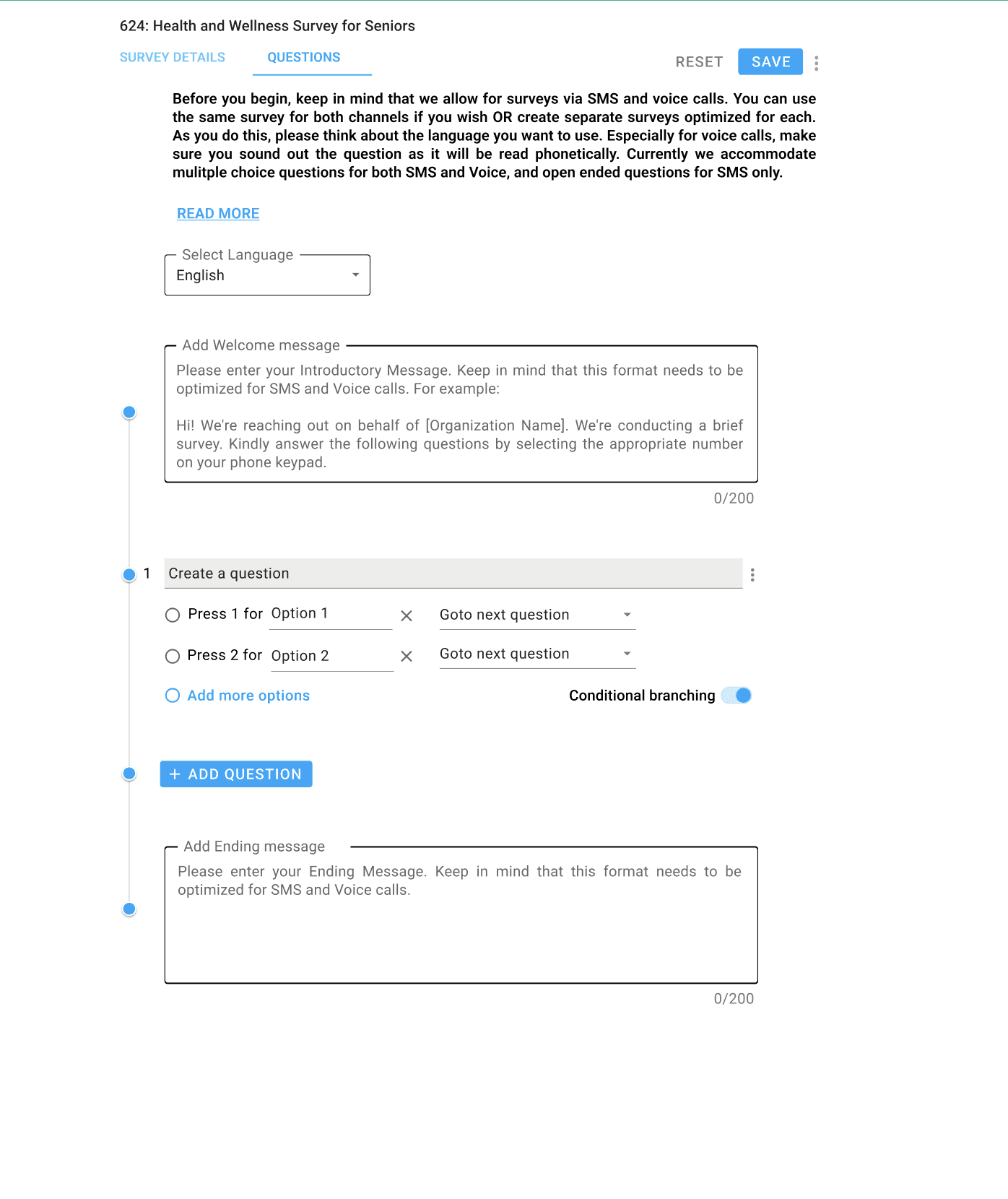
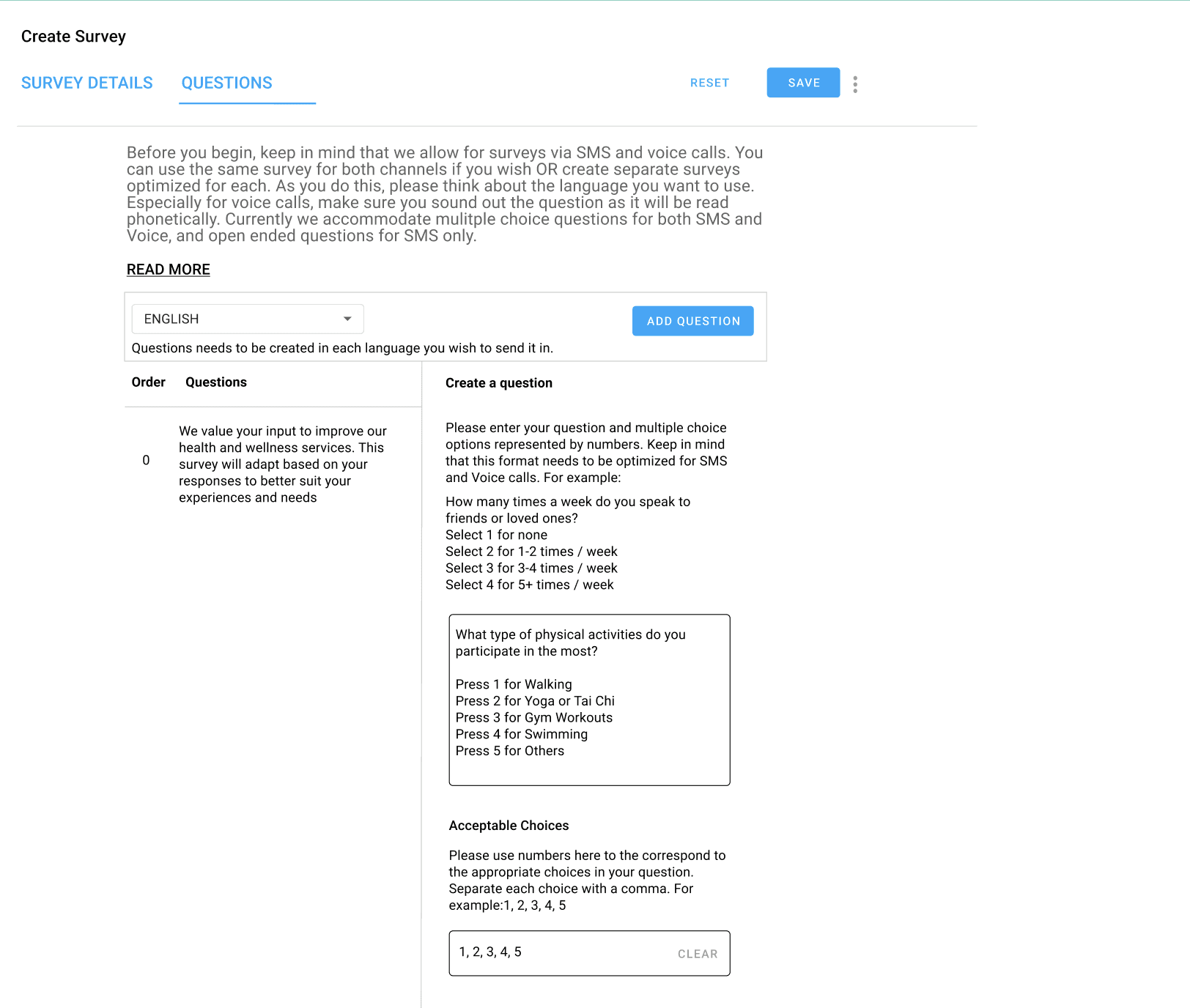
Before and After
Survey
Forms
FORM EDITOR REDESIGN